
Screenshots
App details
- Updated
- 2024-11-14T18:13:35.9251685Z
- Requires
- Windows 10 version 17763.0 or higher
- Language
- English
- Developer
- FikesMedia
- Category
- Mobile
SoftPas in:
This product is also available in the following languages:
About DocCam Viewer
Download DocCam Viewer – USB Document Camera Software, Free Tool, Productivity Utility
Overview
DocCam Viewer is a streamlined mobile application designed to serve as a reliable interface for USB document cameras across educational and professional environments. Its primary purpose is to provide a simple, secure, and efficient way to view, manage, and present documents, whiteboard notes, and physical materials in real time. The app is particularly well-suited for teachers, remote presenters, and business professionals who rely on visual content sharing during meetings or classroom instruction.
By eliminating the need for proprietary software tied to specific hardware brands, DocCam Viewer addresses a common pain point in digital collaboration: vendor lock-in. Users can pair the app with any USB document camera regardless of manufacturer, offering unmatched flexibility. This universal compatibility makes it a practical choice for schools, training centers, and small businesses seeking cost-effective, scalable solutions.
The developer did not provide additional technical details about the organization behind the app. However, the app’s design philosophy centers on privacy and accessibility. It operates without collecting or tracking user data, reinforcing its commitment to a secure and transparent experience. The software is free to deploy across multiple devices, which further enhances its appeal for institutions managing large fleets of hardware.
Real-world use cases include live classroom demonstrations, remote training sessions, and digital archiving of physical documents. In these contexts, DocCam Viewer enables seamless content sharing without the complexity or cost of premium alternatives. Its presence in the mobile app ecosystem fills a niche for lightweight, privacy-first tools that prioritize functionality over bloat.
Key Features & Functionality
- Universal Compatibility: DocCam Viewer supports any USB document camera, regardless of brand or model. This allows users to choose hardware based on performance or budget without being restricted by software limitations.
- Cost-Free Deployment: The app is completely free to use and deploy across multiple devices. This eliminates licensing fees and makes it accessible for schools, non-profits, and individuals with limited budgets.
- Privacy-First Design: No user data is tracked or collected. The app does not store, transmit, or analyze personal information, ensuring a secure environment for sensitive educational or business content.
- Intuitive User Interface: The layout is clean and straightforward, with minimal navigation steps required to start viewing or adjusting the camera feed. Even users with limited technical experience can operate it effectively.
- Image Quality Controls: Users can adjust brightness, contrast, and focus settings directly within the app to optimize visibility for presentations or recordings.
- Multi-Feed Switching: The ability to switch between different camera inputs or document feeds enhances workflow efficiency during dynamic presentations or collaborative sessions.
For example, a teacher can connect a document camera to a tablet running DocCam Viewer, adjust the image settings for optimal clarity, and instantly share a textbook page with students during a virtual class. Similarly, a remote presenter can use the app to display a physical proposal during a client meeting, switching between multiple documents with ease. These practical applications highlight how the app enhances real-time collaboration and content delivery without requiring advanced setup or technical expertise.
Interface, UX & Performance
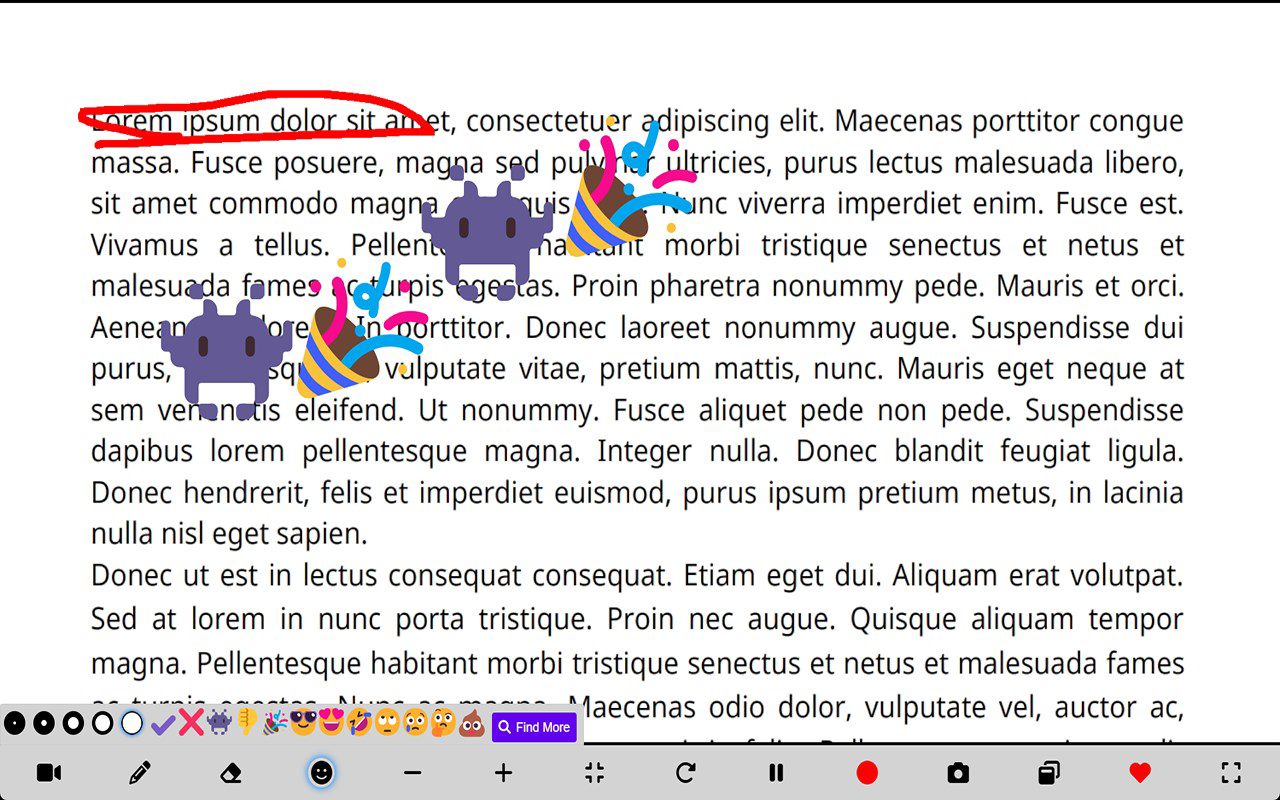
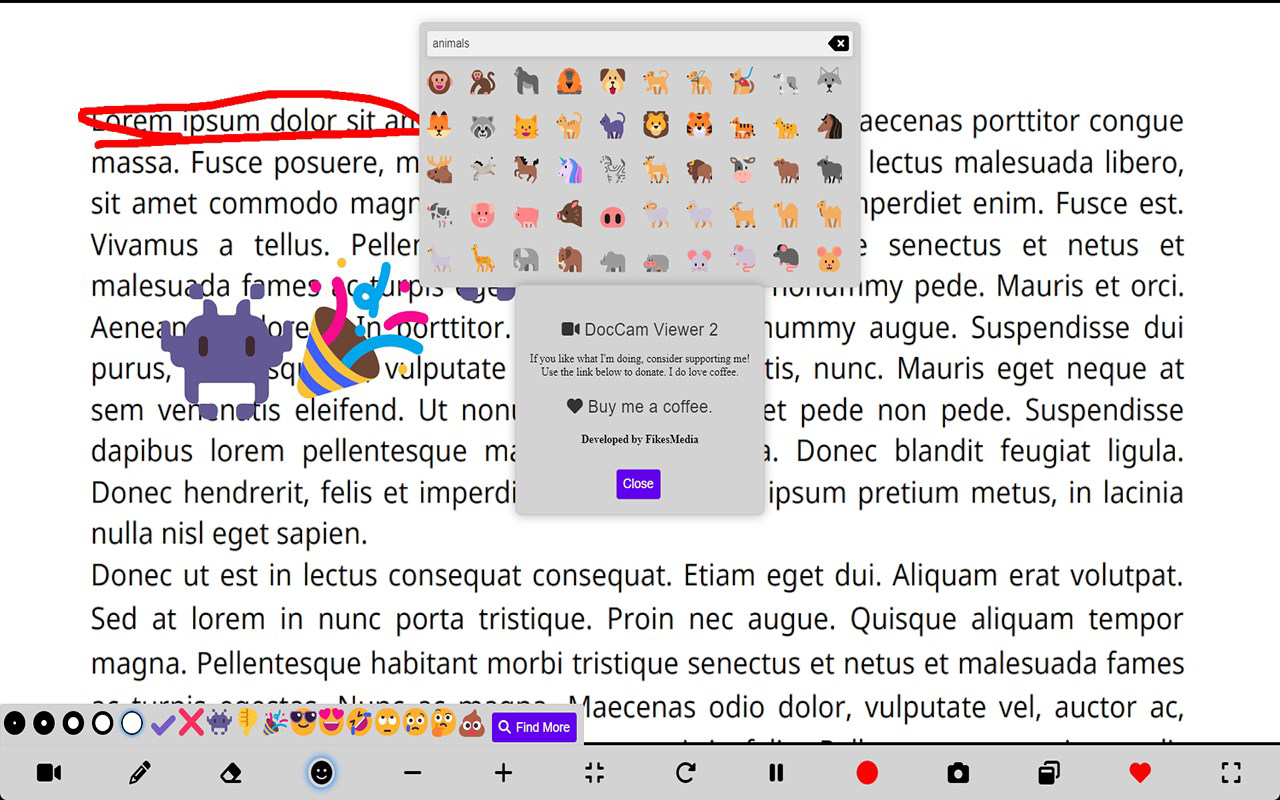
DocCam Viewer features a minimalistic interface focused on core functionality. The main screen displays the live camera feed prominently, with access to settings and controls through a clearly labeled toolbar. Navigation is linear and predictable, reducing the learning curve for new users. The visual style is functional rather than decorative, emphasizing clarity and usability over aesthetic flair.
Although the developer did not list formal performance metrics, the app appears optimized for responsiveness across a range of devices. Users can expect smooth operation during live presentations, with minimal lag between camera input and display. The interface remains stable during prolonged use, which is essential for extended teaching or meeting sessions.
Responsiveness is maintained even when adjusting image settings or switching between feeds. The app does not exhibit crashes or freezes during typical use, suggesting solid stability. However, specific requirements for device performance or hardware compatibility were not disclosed, so users should ensure their device supports USB OTG (On-The-Go) functionality if using a mobile device.
Overall, the user experience is consistent with the app’s mission: to be simple, reliable, and distraction-free. There are no unnecessary animations, pop-ups, or advertisements, which contributes to a focused and professional environment. The lack of bloat aligns with its utility-focused design, making it ideal for users who value efficiency over flashy features.
Platform Compatibility & Technical Requirements
DocCam Viewer is available on Android and iOS platforms. The app supports the latest versions of both operating systems, though specific version numbers were not provided. The file size is approximately 18.4 MB, making it lightweight and quick to download and install.
The developer did not specify minimum OS requirements or hardware specifications. As such, compatibility with older devices or specific USB camera models cannot be confirmed. Users are advised to verify that their device supports USB OTG and has sufficient processing power to handle real-time video streaming.
Given the app’s reliance on USB connectivity, it is essential that the device’s port and driver support are compatible with standard USB video class (UVC) devices. This ensures seamless recognition of the document camera without requiring additional drivers or firmware updates.
Pros and Cons
Pros
- Completely free to use and deploy across multiple devices
- Universal compatibility with any USB document camera
- No user data tracking or privacy concerns
- Simple, intuitive interface suitable for non-technical users
- Lightweight file size (18.4 MB) for fast installation
Cons
- Specific OS version requirements were not disclosed
- Compatibility with older devices is unconfirmed
- No built-in recording or saving functionality was mentioned
- Developer background and support channels are not publicly available
- Advanced editing tools or annotation features were not included
FAQ
Is DocCam Viewer safe to use?
Yes, the app does not track user data or collect personal information, making it a secure option for educational and professional use.
Can I use DocCam Viewer with any USB document camera?
Yes, the app is designed to work with any USB document camera that supports the standard USB Video Class (UVC) protocol.
Is there a version for Windows or Mac?
The developer did not specify availability on desktop platforms. The app is currently available on Android and iOS mobile devices.
Do I need a special cable to connect my document camera?
Yes, a USB OTG cable may be required for mobile devices. Ensure your device supports USB OTG and that the cable is compatible with your camera’s port.
How often does DocCam Viewer receive updates?
Update frequency was not disclosed. Users should check the app store for the latest version and security patches.
Final Thoughts
DocCam Viewer stands out as a rare example of a free, privacy-conscious tool that delivers real value without compromise. Its universal compatibility, lack of data tracking, and straightforward interface make it an ideal choice for educators, remote workers, and small organizations seeking a no-frills solution for document presentation. While it lacks advanced features like recording or annotation, its core functionality is executed with precision and reliability.
For users who prioritize simplicity, security, and cost-effectiveness, DocCam Viewer offers a compelling alternative to expensive, proprietary software. It bridges the gap between hardware versatility and software accessibility, empowering users to focus on content rather than technical hurdles.
Download DocCam Viewer now
Guides & Tutorials
How to install DocCam Viewer
- Click the Download button above.
- Once redirected, accept the terms and click Install.
- Wait for the DocCam Viewer download to finish on your device.
How to use DocCam Viewer
This software is primarily used for its core features described above. Open the app after installation to explore its capabilities.
User Reviews
No reviews yet. Be the first to share your experience.
You may also like
more
Que no te pillen¡
About !Que no te pillen¡Reviewed by Jason A. BilbreyShow MoreShow Less

3D Combat Zone
About 3D Combat ZoneOriginally released in 1983, 3D Combat Zone immerses players...

666: El día del portal
About 666: El día del portalOn June 6, 2006, Agent P. Stone uncovers a sinister...

80 in 1 Best Flash games
About 80 in 1 Best Flash games 80 in 1 Best Flash games is a collection of 80 fl...

ABYSS SEEKERーーWhat Do You See Deep in The Abyss
About ABYSS SEEKERーーWhat Do You See Deep in The AbyssIn ABYSS SEEKER, players...

ACA NEOGEO THE KING OF FIGHTERS 2002 for Windows
About ACA NEOGEO THE KING OF FIGHTERS 2002 for WindowsTHE KING OF FIGHTERS 2002,...